
Overview

This guide walks you through the core API workflow:
  1. Authenticate with your API key
  2. Ingest a file or URL to get a file_id
  3. Chat with the content using the file_id

Step 1: Get Your API Key

1

Sign in to Skimming AI

Go to skimming.ai and log in to your account.
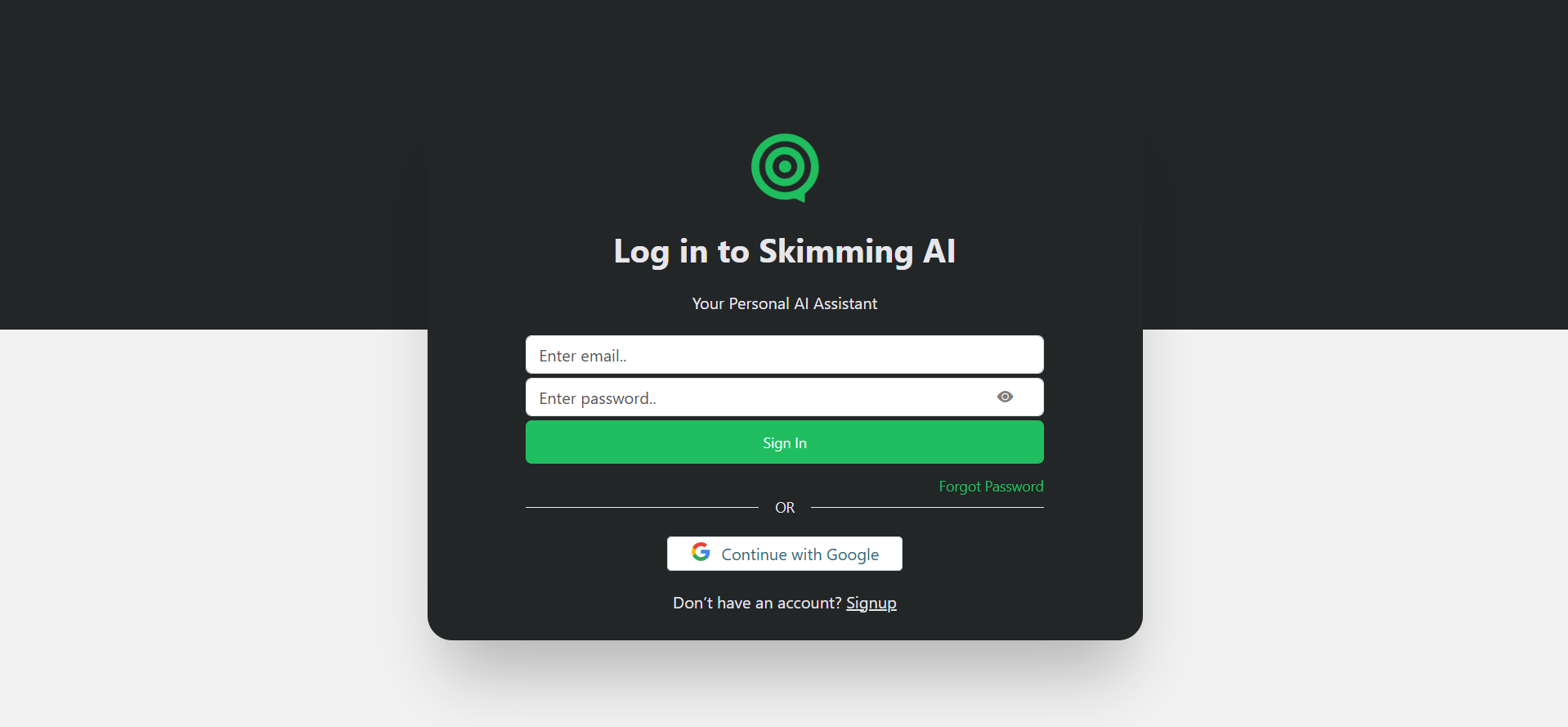
Skimming AI Login Page
2

Navigate to API Settings

Open your dashboard and find the API section in the left sidebar.
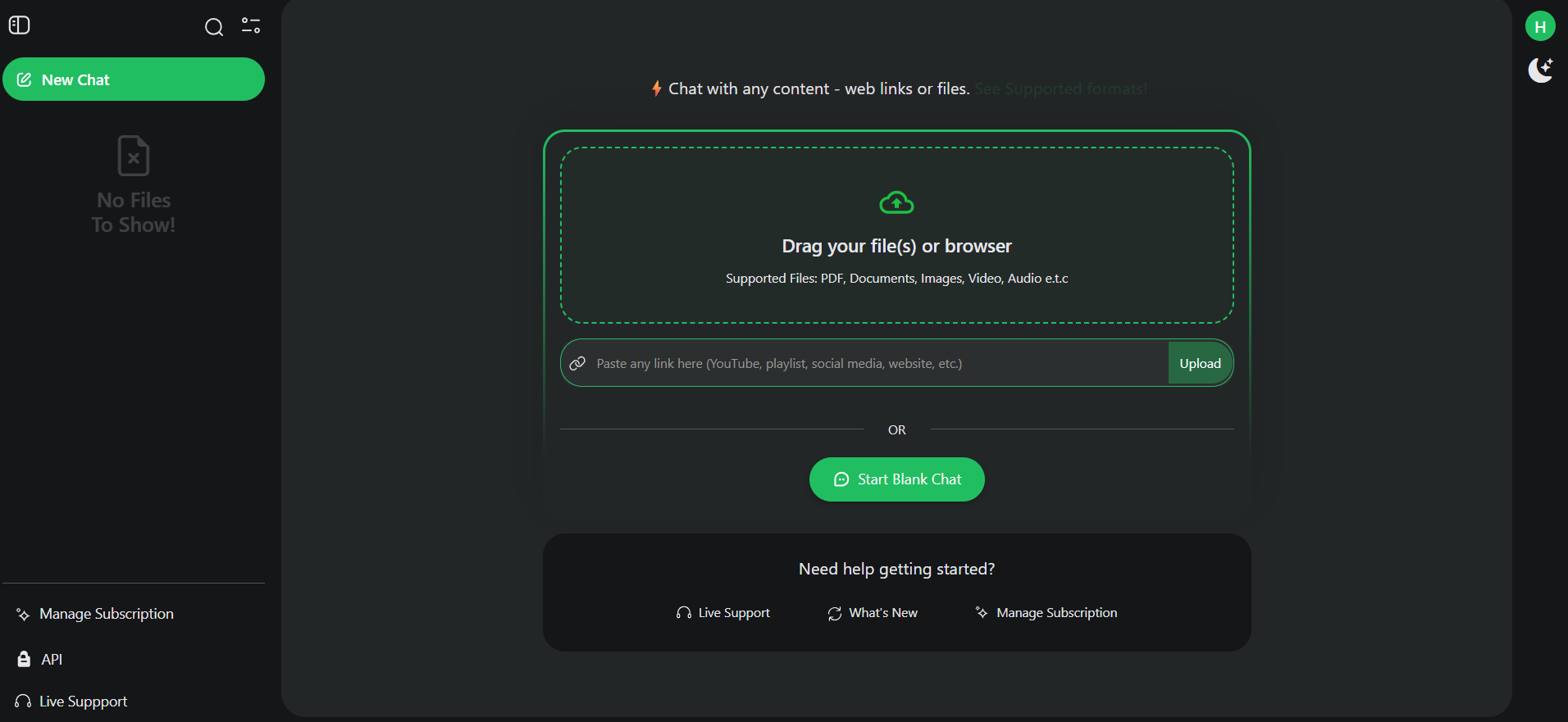
Dashboard with API section highlighted
3

Generate Key

Click Create API Key. Copy and store it securely — you won’t see it again.
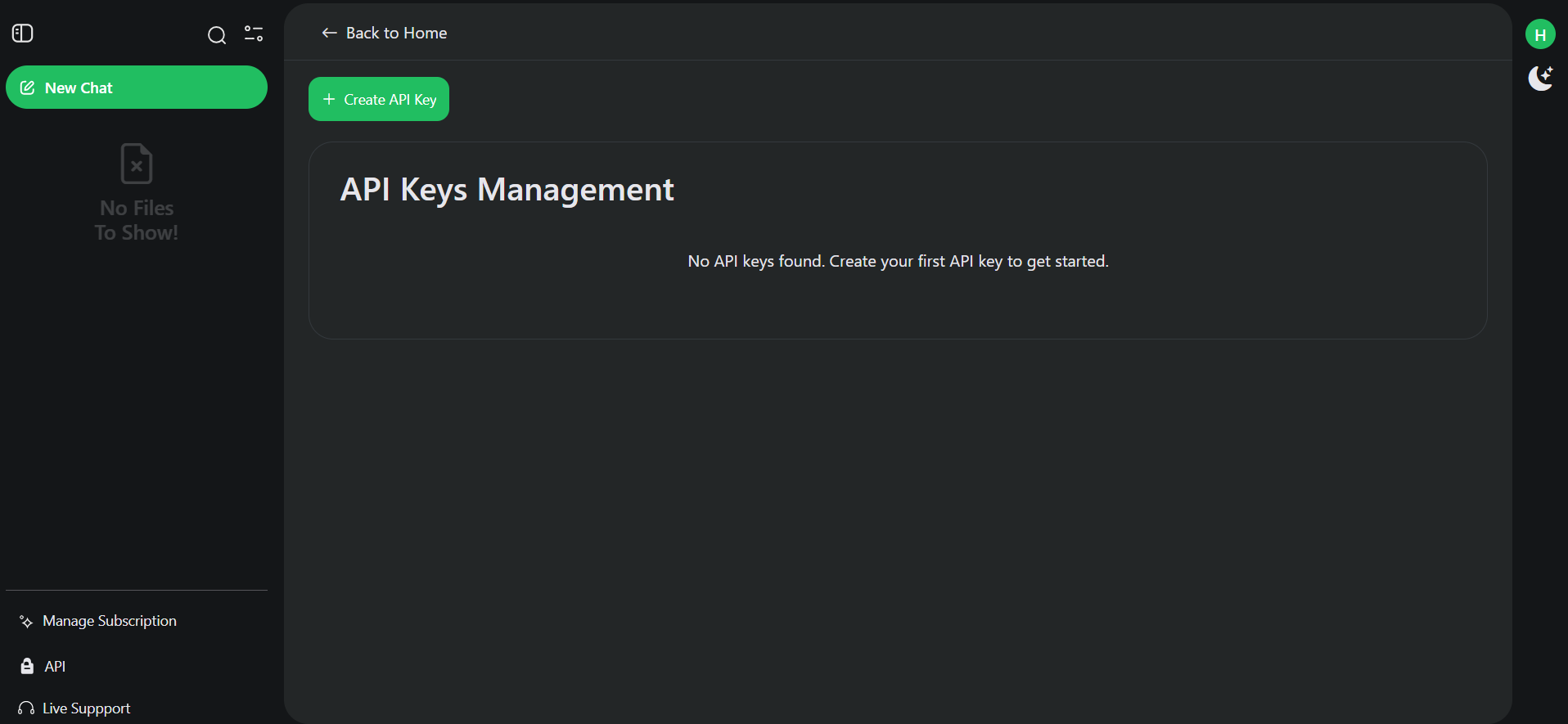
API Keys Management page with Create API Key button
Keep your API key private. Never expose it in client-side code or public repositories.

Step 2: Ingest a Document

Upload a file to get a file_id that you’ll use for all chat operations.

Required Headers

All API requests require these headers:
HeaderValueDescription
AuthorizationBearer YOUR_API_KEYYour API key
Content-Typeapplication/json or multipart/form-dataRequest content type

Example: Ingest a PDF

curl -X POST https://api.skimming.ai/ingest/v1/api/document \
  -H "Authorization: Bearer sk-your-api-key" \
  -F "file=@document.pdf"

Response

{
  "success": {
    "file_id": "abc123-def456-ghi789",
    "file_name": "document.pdf",
    "user_id": "user123",
    "createAt": "2025-01-22T10:30:00Z"
  },
  "error": null
}
Save the file_id from the response — you’ll need it for all chat requests.

Step 3: Chat with the Document

Use the file_id to ask questions about your content.

Example: Ask a Question

curl -X POST https://api.skimming.ai/chat/v1/api/document/pdf \
  -H "Authorization: Bearer sk-your-api-key" \
  -H "Content-Type: application/json" \
  -d '{
    "file_id": "abc123-def456-ghi789",
    "question": "What are the main points of this document?",
    "streaming": false
  }'

Response

{
  "success": true,
  "data": "The main points discussed in this document are...",
  "error": null
}

Enable Streaming

For real-time responses, set streaming: true. The response will be delivered as Server-Sent Events (SSE).
curl -X POST https://api.skimming.ai/chat/v1/api/document/pdf \
  -H "Authorization: Bearer sk-your-api-key" \
  -H "Content-Type: application/json" \
  -d '{
    "file_id": "abc123-def456-ghi789",
    "question": "Summarize this document",
    "streaming": true
  }'

Choose Your Model

Specify which AI model to use with the model and model_type parameters:
{
  "file_id": "abc123-def456-ghi789",
  "question": "What is this about?",
  "model": "gpt-4o",
  "model_type": "openai",
  "streaming": false
}

Available Models

ProviderModelsCredits/Question
OpenAIgpt-4o-mini, gpt-4o, gpt-4, gpt-3.5-turbo1 – 100
Anthropicclaude-3-sonnet, claude-3.5-sonnet25
Googlegemini-1.5-flash, gemini-1.5-pro1 – 16

Supported Content Types

Documents

  • PDF, Word (.docx), Excel (.xlsx, .csv), PowerPoint (.pptx), Text (.txt), EPUB

Media

  • Images: JPG, PNG, GIF, WebP, BMP, TIFF, SVG, HEIC
  • Audio: MP3, WAV, OGG, AAC, FLAC, M4A
  • Video: MP4, MOV, AVI, WMV, WebM, FLV, MKV

Web Content

  • YouTube: Paste video URL → /ingest/v1/api/youtube
  • Websites: Any webpage URL → /ingest/v1/api/website
  • Social Media: Instagram, X (Twitter), LinkedIn, Facebook posts

Next Steps


Common Errors

ErrorCauseSolution
401 UnauthorizedInvalid or missing API keyCheck your Authorization header
400 Bad RequestMissing required fieldsEnsure file_id and question are provided
402 Question limit exceededOut of creditsUpgrade your plan or wait for reset